
Every kind of section a site needs.
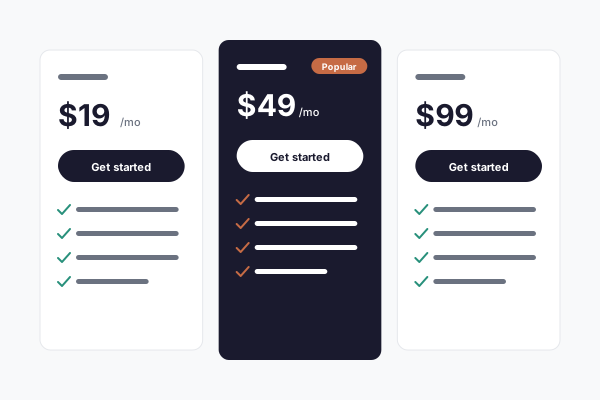
Thirty section types, from a hero banner to a pricing table to a before-and-after slider. Each one carries several layouts, each one takes your brand automatically, and several of them fill themselves from your own content.
Free for 7 days, then from $149/mo · cancel anytime

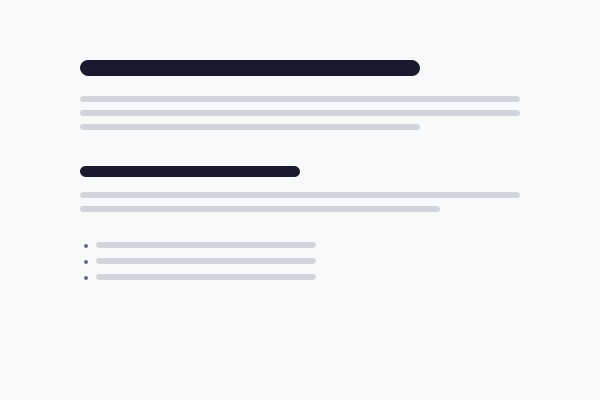
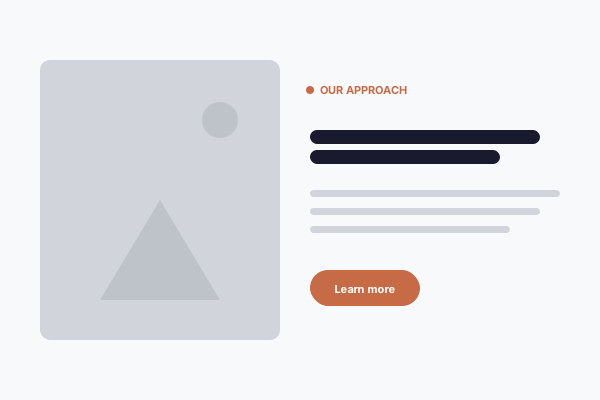
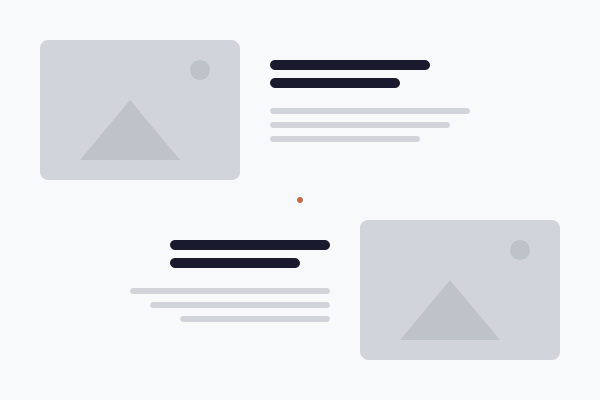
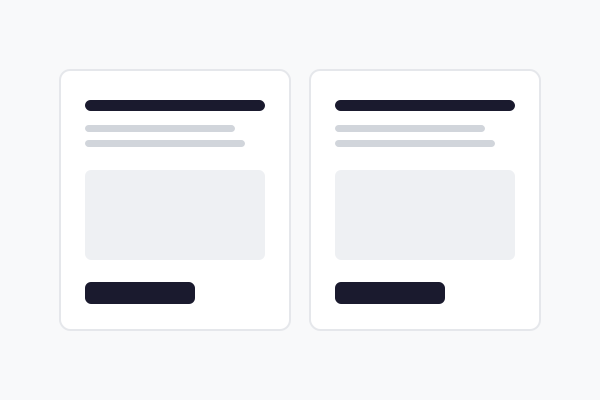

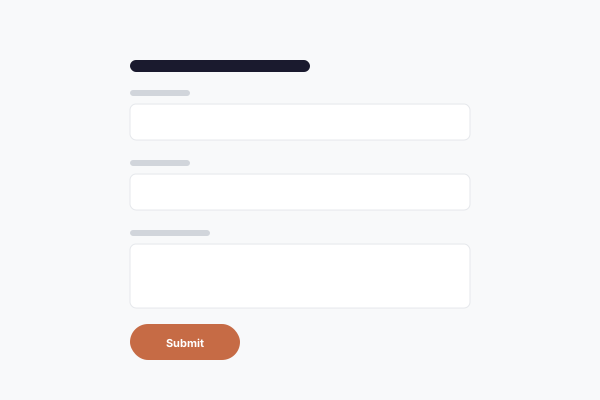
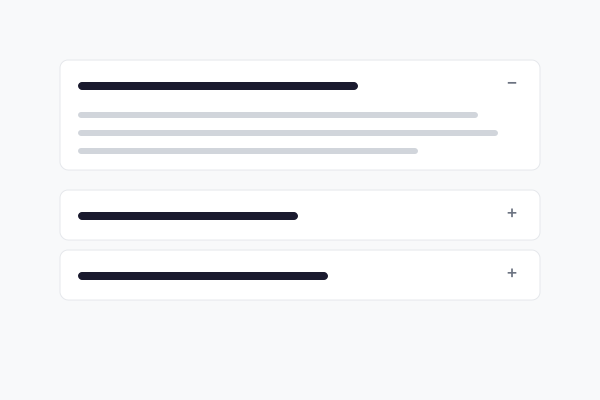

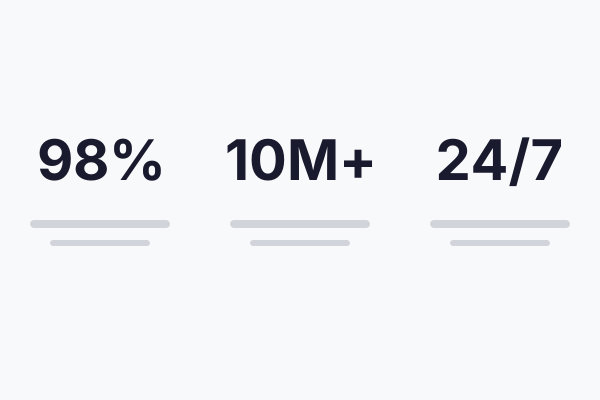



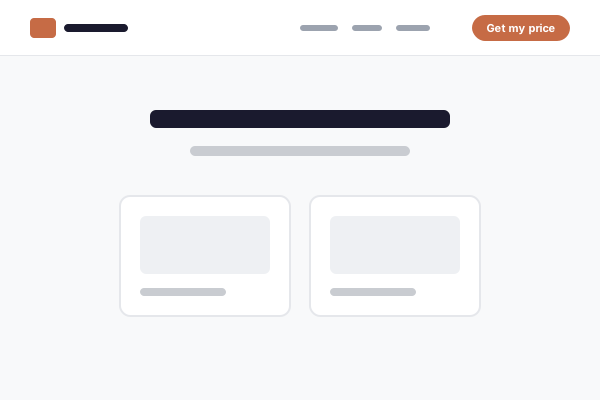
Same section, same content. Six layouts to pick from.
Also has options
Image + Text6
CTA6
Rich Text4
Stats4
Styles and layouts
Thirty types,
far more than 28 looks.
Picking a section type does not pick its layout. Almost every section carries its own set of styles, so the same content can be arranged several completely different ways without swapping the section out or touching a template.
A Hero has six. Fullscreen, split, minimal, contained, a staggered gallery, or a real line chart drawn from numbers you type in
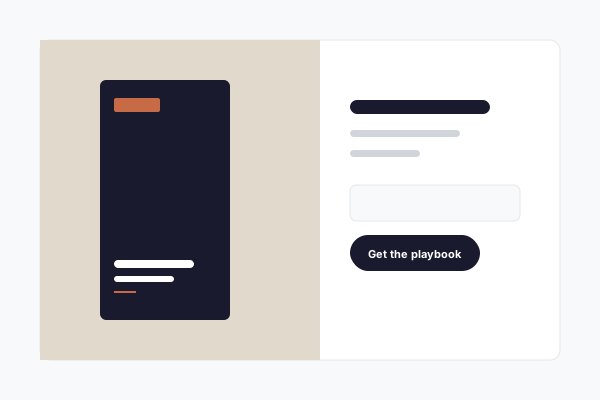
Image + Text has six. Image left or right, full bleed, overlapping panels, image as a backdrop, or the whole pairing in a rounded frame
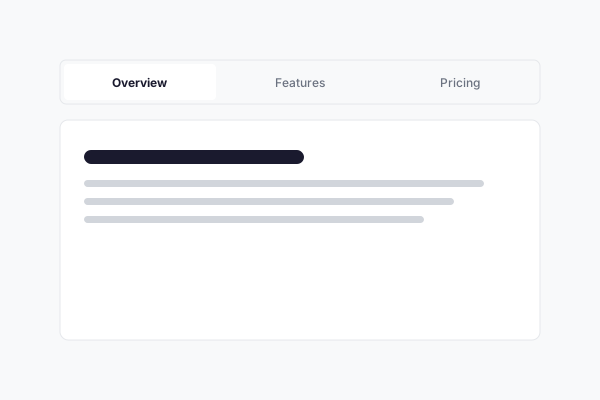
So does almost everything else. Tabs can be pills, underlines or vertical. An FAQ can be a list, a grid, or side by side. Stats can count up as you scroll
And several take a list of points. Image + Text, Alternating Sections and the Hero each hold a short ticked list under the paragraph, dashed or numbered if you prefer, so a section still lands with someone who will not read the paragraph
And they all take your brand. Whichever layout you pick, it renders in your colors, fonts and corner shapes. No layout is ever off-brand
Our work
Add an entry
Every page showing it updates
No page to go back and edit
Sections that fill themselves
Some sections write
themselves from your content.
Once you have a content type (your projects, services, team, reviews) several sections can pull straight from it instead of being typed in by hand. Add one entry and every page showing it catches up on its own.
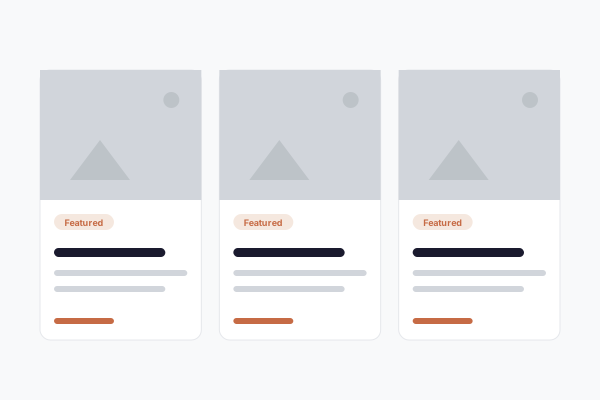
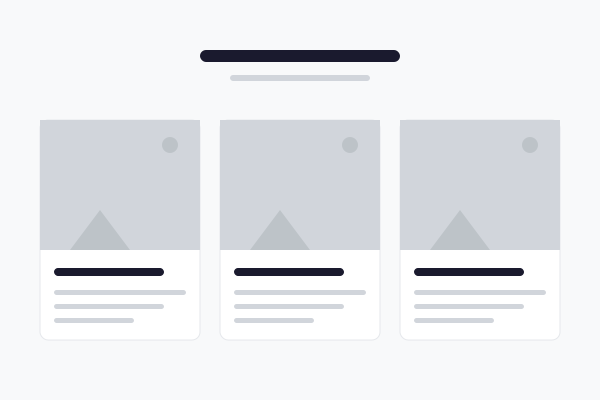
Cards. Point a Cards section at a collection and it lays out every published entry, with its image, title and text
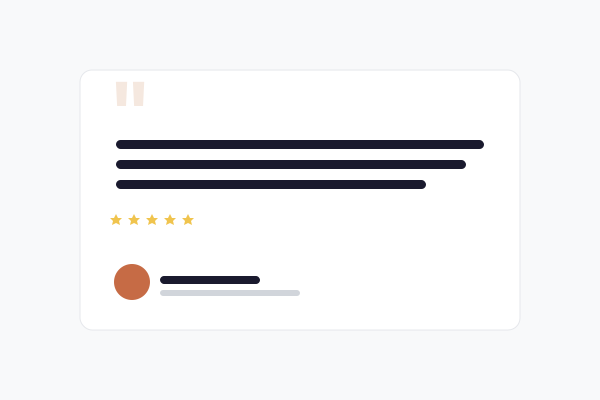
Testimonials. Keep reviews as a content type and the section refreshes itself as you add them, rather than being retyped in three places
Gallery. Pull the photos attached to one entry, or every entry, without re-uploading anything
Collection Listing. Drop the whole collection onto any page, so your latest projects can sit on the homepage and stay current
On phones the columns stack, in the order you choose.
Beyond stacking
Side by side,
and alongside.
Most of the time sections stack one above another, which is what keeps a page readable on a phone. When you want finer control there are three tools for it, and none of them break the small-screen layout.
Columns. Two or three columns, each holding its own stack of sections. Set the widths, the gap and which column leads once they stack on a phone
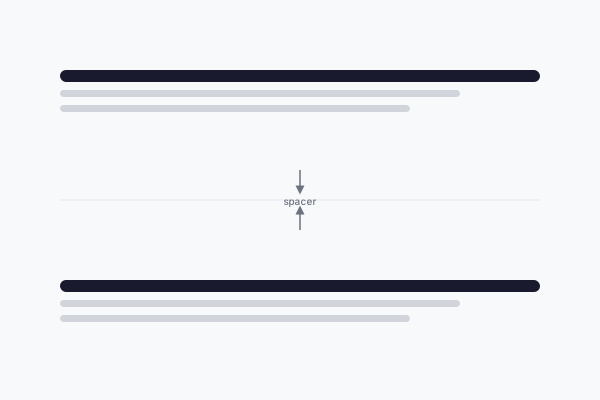
Spacer. A measured amount of empty space between two sections, with an optional divider line. The simplest way to let a page breathe
A page sidebar. Switch on a narrow column beside your content, on either side, optionally sticky as the reader scrolls
An automatic table of contents. Built from your headings, not typed by hand. It highlights the section being read and jumps on click, which earns its keep on a long service page
The rest of the platform.
Questions this raises.
Not really. The names describe the job: a Hero is the banner at the top, a Testimonial holds reviews, a Pricing Table holds plans. If you pick the wrong one you can delete it and try another, or reorder the page until it reads right. Nothing is permanent.
Yes, with the Columns section. Two or three columns, each holding its own sections, so a paragraph can sit beside a photo or a form beside a map. On phones they stack automatically, and you choose which one leads.
That is fine and often what you want. Three Image + Text sections down a page is a normal way to walk through three services. If you find yourself doing it a lot, Alternating Sections does the same thing and flips the image side for you.
Every section is responsive on its own, so it reflows rather than shrinking. That is also why the builder does not let you drag things to arbitrary positions: free placement is what makes a page fall apart on a small screen.
Yes. Cards, Testimonial, Gallery and Collection Listing can all pull from a content type. Add an entry once and every section pointed at that collection picks it up. See the content types page for how to define one.
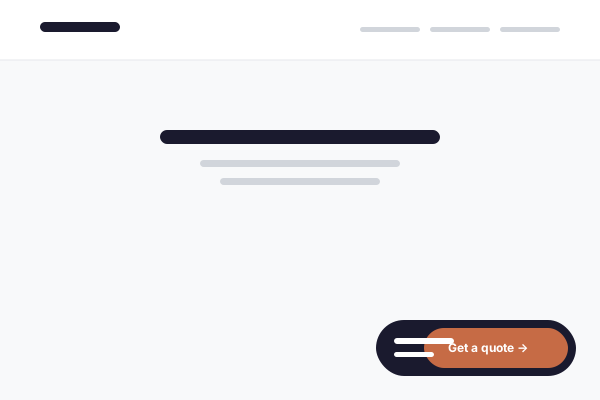
Tick Landing page in the page sidebar and your header and footer step aside. Add a Landing Header section for a slim bar carrying your logo, phone and one button, so the only thing to do is the thing you are paying for.
The Custom Code section takes an embed snippet from another service, so a booking widget, a live chat box or a calculator can sit inside a page like any other section. If you want something loading on every page instead, there are site-wide code boxes in your settings.
Have a look through the library.
Seven days free. Drop any section onto a page, try its layouts, and keep the one that reads best.
Free for 7 days · cancel anytime · support on every plan